
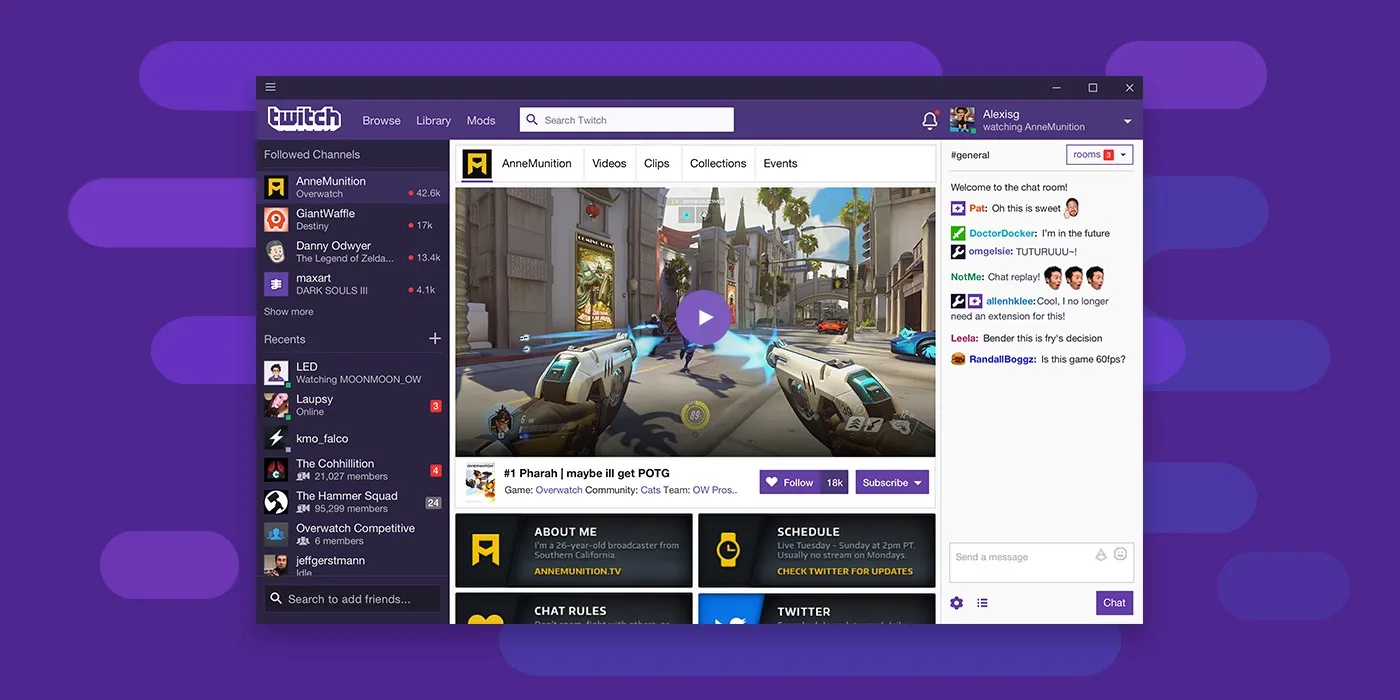
Twitch has a built-in expiry timer on every VOD it stores.
Non-subscriber streamers get 14 days. Twitch Partners and affiliates get 60 days. After that, the VOD is deleted from Twitch's servers — permanently. No archive, no recovery, no second chance.
Clips are different: they don't expire automatically, but streamers can delete them at any time, and if a Twitch account gets banned, every clip and VOD on it disappears immediately.
This guide shows you exactly how to download Twitch VODs and clips in 2026, before the timer runs out.
Why Twitch VODs Are So Hard to Save
The obvious question: why doesn't Twitch just let you download your own content?
Twitch does offer a download option — but only to the streamer, and only for their own content. Viewers have no built-in way to save VODs. There's no download button. No "save for later." Nothing.
For viewers who want to:
- Rewatch a stream that's about to expire
- Save a historic gaming moment before it disappears
- Archive content from a streamer who might get banned
- Edit highlights for YouTube or TikTok
...there's no official path. You need a third-party tool.
The Problem With Most Twitch VOD Downloaders
Searching for "Twitch VOD downloader" returns dozens of results. Most of them are broken, slow, or risky:
- Outdated tools — Twitch frequently changes how it serves video. Tools built on old APIs break silently. You paste a URL, click download, and nothing happens.
- Software requirements — yt-dlp works but requires Python and command-line knowledge. Streamlink is powerful but complex to configure. Most viewers just want to click a button.
- Browser extensions with sketchy permissions — many require access to all your browsing data.
- Download speed issues — long VODs (3–6 hours) can take hours on slow tools, and often fail midway with no error message.
How to Download Twitch VODs With Vodloader
Vodloader handles Twitch VODs and clips natively — just paste the URL and download. No software, no account required.
Step 1 — Get the Twitch VOD or Clip URL
On Twitch, open the VOD or clip you want to save.
For VODs: Go to the streamer's channel → Videos tab → click on a past broadcast → copy the URL from the address bar.
Twitch VOD URLs look like:
https://www.twitch.tv/videos/1234567890
For clips: Find the clip on the streamer's channel or via a shared link. Clips look like:
https://www.twitch.tv/streamername/clip/ClipNameHerehttps://clips.twitch.tv/ClipNameHere
Both formats work.
Step 2 — Paste Into Vodloader
Go to vodloader.com and paste the Twitch URL. Hit the download button.
Vodloader fetches the available quality options from Twitch's CDN.
Step 3 — Pick Your Quality
Twitch VODs are typically available in:
- Source quality — exactly what the streamer broadcast (often 1080p60 or 1080p30)
- 720p60, 720p30
- 480p, 360p, 160p
Free users can download up to 720p. Pro users get source quality — the full 1080p60 that the streamer actually broadcast.
Step 4 — Download
For clips and short VODs: the download starts directly in your browser.
For full streams (1 hour+): use Cloud Download. Our servers process the file and deliver a complete, seekable MP4 — without the browser memory issues that cause large downloads to fail halfway through.
Twitch VOD Expiry: How Much Time Do You Have?
| Streamer Type | VOD Retention |
|---|---|
| Non-affiliate / small streamer | 14 days |
| Affiliate or Partner | 60 days |
| Streamer manually stores clips | Indefinite (until deleted) |
| Banned account | Instant deletion — 0 days |
The 60-day window sounds comfortable, but it moves fast. A streamer's iconic World of Warcraft playthrough from two months ago just hits the limit and vanishes. A speedrunner's world record stream from last month: gone.
Clips are safer but not permanent. Unlike VODs, clips don't expire on a timer — but they're attached to the streamer's account. A ban, a DMCA takedown, or the streamer simply deleting their content removes all clips too.
What About Sub-Only VODs?
Some streamers lock their VODs to subscribers only. If you're subscribed to the channel, you can access these VODs on Twitch — and Vodloader can download them if you provide your Twitch session cookies.
Here's how:
- Log in to Twitch in your browser
- Export your Twitch cookies (using a browser extension like "Get cookies.txt LOCALLY")
- Paste the cookie data into Vodloader's cookie field
Vodloader doesn't store your cookies on our servers. They're used only for the single download request.
Twitch Clips: A Different Download Situation
Twitch clips are short (max 60 seconds on Twitch, though clips from third-party tools can be longer). They're easier to download than full VODs because:
- They're much smaller files — downloads complete in seconds
- Browser download works perfectly, no need for Cloud Download
- Quality is fixed to the source resolution of the clip
If you're building a highlight reel or saving a specific moment, clips are the way to go. Download the clip with Vodloader and edit from there.
Pro Tips for Twitch Downloads
Don't wait until day 59. If a VOD is worth saving, save it now. Streamer bans happen without warning. DMCA takedowns can wipe a VOD mid-timer.
For marathon streams (8+ hours): Always use Cloud Download. A 10-hour stream at 1080p60 is a multi-gigabyte file. Browser-based downloads of files this size often fail due to browser memory limits or network interruptions. Cloud Download handles this reliably.
For highlight edits: Download the full VOD at source quality first, then edit locally. Editing from a re-encoded download loses generation quality.
Archiving a streamer? If you're archiving a streamer's entire back catalog before they get banned (or before they quit), Cloud Download lets you queue multiple files without sitting at your computer.
Twitch in 2026: Why Downloads Matter More Than Ever
Twitch has had a rough few years. Platform-wide takedowns, streamer migrations to Kick, and erratic policy changes have made the platform feel unstable for both creators and viewers.
The practical result: content that existed last year might not exist today.
- Korean streamers who built their entire audience on Twitch moved to Chzzk after Twitch pulled out of Korea
- Top Western streamers signed exclusives with Kick, deleting their Twitch back catalogs before leaving
- DMCA enforcement waves wiped out thousands of music-heavy VODs overnight
The lesson: don't assume a Twitch VOD will be there tomorrow just because it's there today.
Other Platforms Vodloader Supports
| Platform | Supported |
|---|---|
| Twitch | ✅ VODs and clips |
| Kick.com | ✅ VODs and clips |
| YouTube | ✅ Videos and shorts |
| Chzzk (NAVER) | ✅ Live, VODs, clips |
| SOOP / AfreecaTV | ✅ Full VOD support |
| NaverTV | ✅ Videos |
| KakaoTV | ✅ Videos |
Frequently Asked Questions
Does downloading Twitch VODs violate Twitch's terms of service? Twitch's ToS restricts streamers from redistributing others' content. As a viewer saving content for personal use — your own archive, offline viewing — this is a grey area that Twitch has never enforced against individual viewers. Redistributing downloaded streams publicly is a separate issue.
Can I download a VOD that's already expired? No. Once Twitch deletes a VOD from its servers, it's gone. No tool can recover it. This is exactly why downloading before expiry matters.
What file format does Vodloader output? MP4. Compatible with every major player (VLC, QuickTime, Windows Media Player) and every video editor (Premiere, DaVinci Resolve, CapCut).
Does it work on mobile? Yes. Vodloader works in any mobile browser. For streams longer than 30 minutes, use Cloud Download to avoid browser memory limits on mobile.
Is there a free tier? Yes — 6 downloads per day at up to 720p. Pro gives unlimited downloads at full source quality.
Download Twitch VODs Before They Expire
The clock is already running on every Twitch VOD. Don't find out your favorite stream is gone when you go back to rewatch it.