
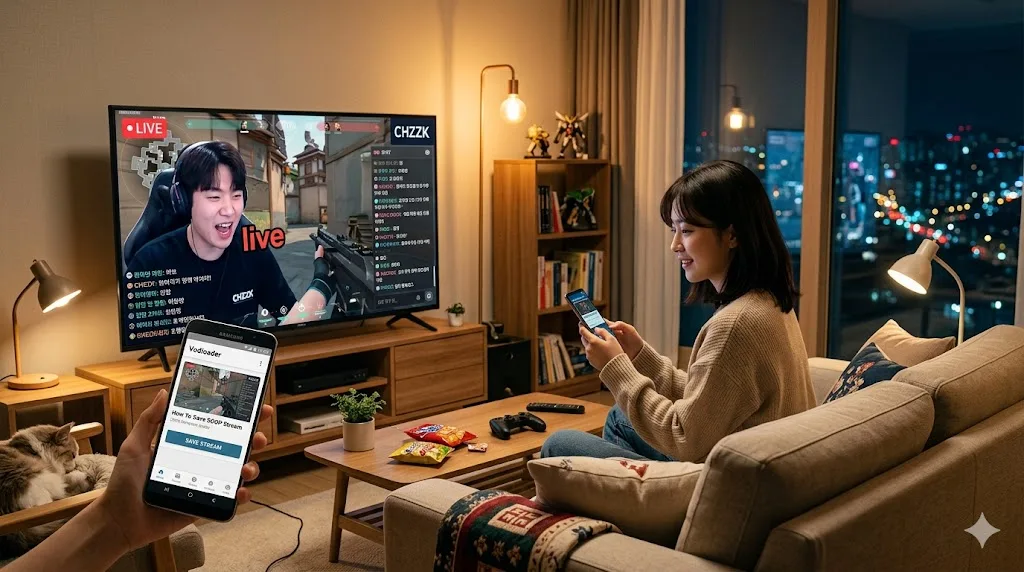
Soop, formerly known as AfreecaTV, is one of Korea's oldest and largest streaming platforms. It's home to some of the biggest Korean streamers and hosts millions of hours of VOD content. But saving those VODs to your own device isn't straightforward — there's no universal download button and a lot of content requires a Korean account to access normally.
Here's everything you need to know about downloading Soop streams in 2026.
Why Save Soop VODs?
A few reasons people want to save Soop content:
- Streamers delete replays after a few weeks or move platforms
- Some content is only available in certain regions
- You want to watch offline or share a specific moment
- Soop's own playback system can be slow or unavailable outside Korea
Once a Soop VOD is deleted, it's gone. The platform doesn't offer any recovery option.
What You Need
No software installation required. No Korean phone number. No Soop account. Just the URL of the VOD you want to download.
How to Download a Soop VOD (Step by Step)
Step 1: Find the VOD URL
Go to Soop and navigate to the streamer's channel. Click on the VOD or replay you want to save. Copy the URL from your browser's address bar.
Soop VOD URLs typically look like:
https://vod.soop.com/user/[username]/[video-id]
Step 2: Open Vodloader
Go to vodloader.com. No sign-up needed to start.
Step 3: Paste and download
Paste the Soop VOD URL into the input field and click Download. Vodloader handles the rest in the cloud — it fetches the stream, processes it, and converts it to MP4.
Step 4: Save the file
When processing finishes, a download link appears. Click it to save the file to your device.
Can I Download Just a Clip?
Yes. Instead of downloading the full VOD, you can set a start time and end time to clip just the segment you want. This is great for highlights, specific game moments, or anything under an hour. You get a clean MP4 of exactly the part you need without touching the rest of the stream.
What About Soop Live Streams?
Vodloader works with VODs and replays. For live streams, wait until the broadcast ends and the replay is posted, then download from the VOD URL.
Frequently Asked Questions
Does this work outside Korea? Yes. Vodloader runs in the cloud and can access Soop content regardless of where you are.
What video quality does it save? Vodloader saves the highest quality available for that VOD on Soop's servers.
How long does it take? A 1-hour Soop VOD typically processes in 3 to 10 minutes. Longer streams take more time. You can close the browser tab and come back later — the job keeps running in the cloud.
Can I download AfreecaTV content the same way? Yes. Soop is the new name for AfreecaTV. The same tool and the same steps work for content from the old platform too.
Save It Before It's Gone
Soop doesn't send any warning before a VOD disappears. Streamers can delete replays at any time, and many do it regularly to keep their channel tidy. If there's content you care about, save it now rather than expecting it to still be there next week.