
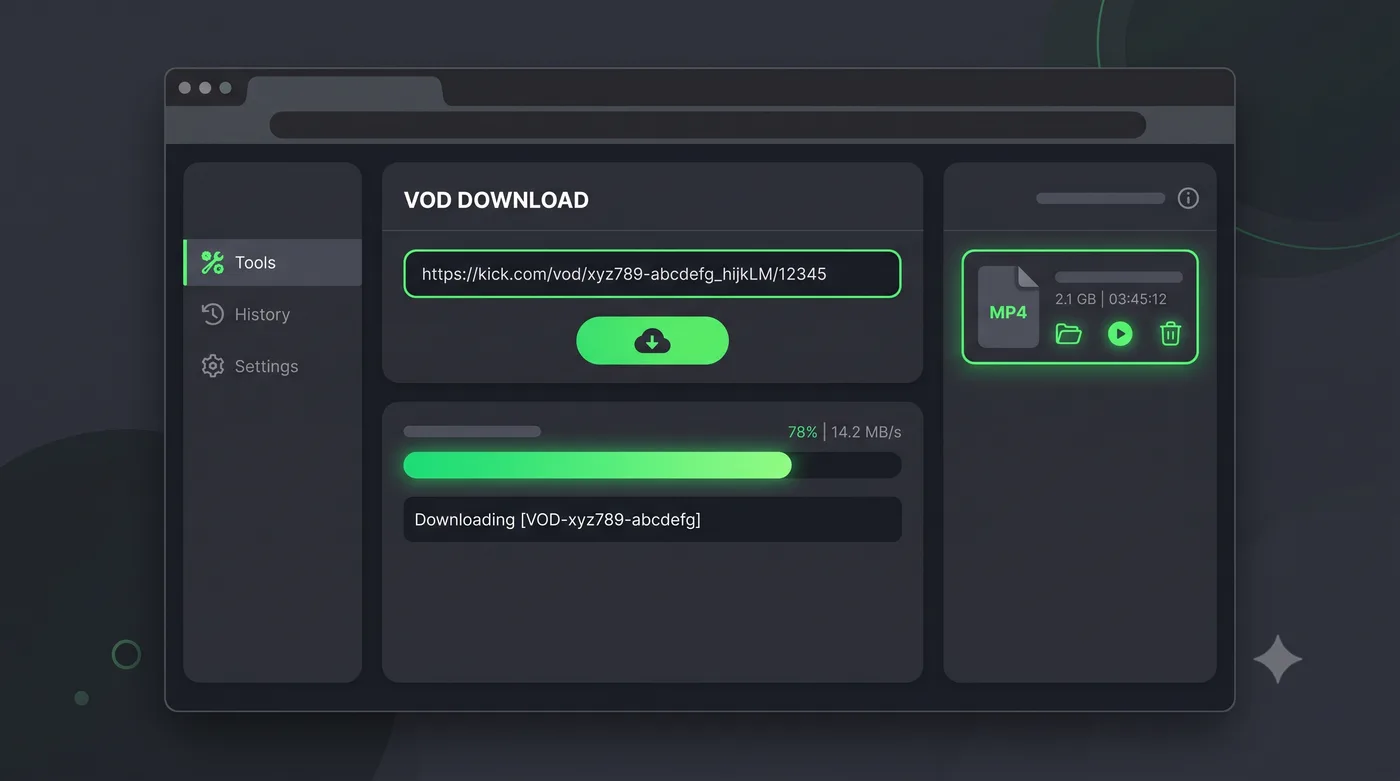
Kick doesn't make it easy to save VODs. The platform has a clip feature for short moments, but there's no native option to download a full stream or VOD to your device. If you want to watch a Kick stream offline, share it somewhere, or just keep a copy of content before it disappears, you need a third-party tool.
Here's how to download Kick VODs in 2026, and what to know before you start.
How Kick VOD downloads work
Kick streams are delivered as HLS (HTTP Live Streaming) — the same format used by most major streaming platforms. This means you can't just right-click and save a Kick VOD. The video is split into hundreds of small segments that get reassembled during playback. Downloading it requires fetching all those segments and merging them into a single file, which is what tools like Vodloader handle server-side.
Using Vodloader to download Kick VODs
Vodloader supports Kick VOD downloads directly. The process is straightforward:
- Open the Kick VOD you want to download
- Copy the URL from your browser address bar
- Paste it into Vodloader
- Select your quality (up to 1080p) and start the download
No desktop software to install. No FFmpeg or command-line tools required. Vodloader handles the segment fetching and merging server-side and gives you a clean MP4 file.
Cloud download for longer streams
For longer Kick streams — anything over a couple of hours — the cloud download option is worth using. Instead of downloading to your browser directly, Vodloader processes the stream on its servers and lets you download the finished file when it's ready. This is faster and more reliable for large files, and it means you're not keeping your browser open and waiting.
What quality is available
Kick supports up to 1080p60 for channels that stream at that resolution. Vodloader downloads at the source quality — if the streamer broadcast at 1080p60, that's what you get. Lower quality options are available if you want a smaller file size.
Does downloading Kick VODs violate Kick's terms of service
Kick's terms of service restrict reproduction and redistribution of content. Downloading for personal viewing falls in a different category — keeping a copy of a stream you already watched for offline access is generally treated differently from re-uploading or redistributing someone else's content. The same distinction applies to YouTube, Twitch, and other platforms. Use common sense: personal archive is fine, re-uploading someone else's stream is not.
When VODs disappear on Kick
Kick doesn't publish a fixed VOD retention policy, but VODs do disappear. Streams from inactive channels often get removed after a period of inactivity, and there's no guarantee that a VOD available today will still be there next month. If there's a stream you want to keep, downloading it sooner rather than later is the safer move.