
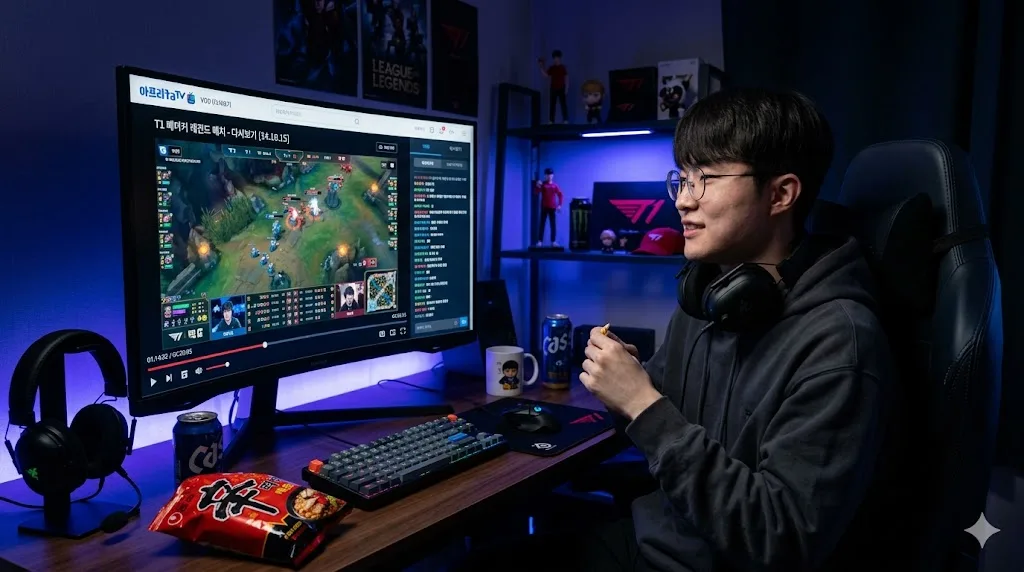
Chzzk is Naver's streaming platform and it's where a huge chunk of Korean streaming content lives right now. The problem is that replays don't stay up forever. Chzzk limits how long VODs are available, and some streamers delete their own replays after a few days.
If you want to keep a replay, you need to save it while it's still there.
Why Chzzk Replays Disappear
Chzzk VODs can disappear for a few reasons:
- The streamer manually deletes them
- Chzzk's own retention policy removes old VODs
- The streamer switches to another platform and their channel goes dark
- Copyright strikes on music used during the stream
Once a VOD is gone from Chzzk, it's gone. There's no recycle bin, no support ticket that gets it back.
What You Need
You don't need any software, browser extensions, or a Korean phone number. All you need is the URL of the Chzzk VOD you want to save.
Step-by-Step: How to Save a Chzzk Replay
Step 1: Find the replay URL
Open Chzzk and go to the streamer's channel. Look for the 다시보기 (replay) section. Click the VOD you want to save and copy the URL from your browser's address bar.
It will look something like this:
https://chzzk.naver.com/video/[video-id]
Step 2: Go to Vodloader
Open vodloader.com in your browser. No account required to get started.
Step 3: Paste the URL and start the download
Paste the Chzzk VOD URL into the input field and click Download. Vodloader picks up the stream, processes it in the cloud, and prepares the file for you.
Step 4: Download the finished file
When processing is done, you'll see a download button. Click it to save the MP4 file to your device. The file is yours to keep.
What Quality Does It Save In?
Vodloader downloads the best available quality from Chzzk. If the streamer broadcast in 1080p, you get 1080p. If it was 720p, you get 720p. No quality reduction happens during the process.
Can I Save Just a Clip Instead of the Full VOD?
Yes. If you only want a specific part of a VOD — a highlight, a funny moment, a specific game segment — you can use Vodloader's clip feature. Set a start time and end time, and Vodloader will only save that segment. This is much faster than downloading the full 4-hour stream just to get a 3-minute clip.
Common Questions
Does this work on mobile? Yes. Vodloader works from any browser, including Safari on iPhone and Chrome on Android.
Is a Chzzk account required? No. Vodloader can access public Chzzk replays without you logging in.
What if the VOD is members-only? Members-only content requires the streamer to have granted access. Public replays work without any login.
How long does processing take? A 1-hour VOD typically takes 3 to 8 minutes. Longer streams take more time. You can close the browser and come back — the job runs in the cloud.
Don't Wait Too Long
The main thing to remember: if there's a Chzzk replay you care about, save it now. Waiting until later is how people lose streams they meant to keep. The whole process takes under 5 minutes for most VODs.